Features
Everything Emtrack can do.
Built around the way people actually manage money: track, plan, report, and protect everything locally on the device.
Dashboard
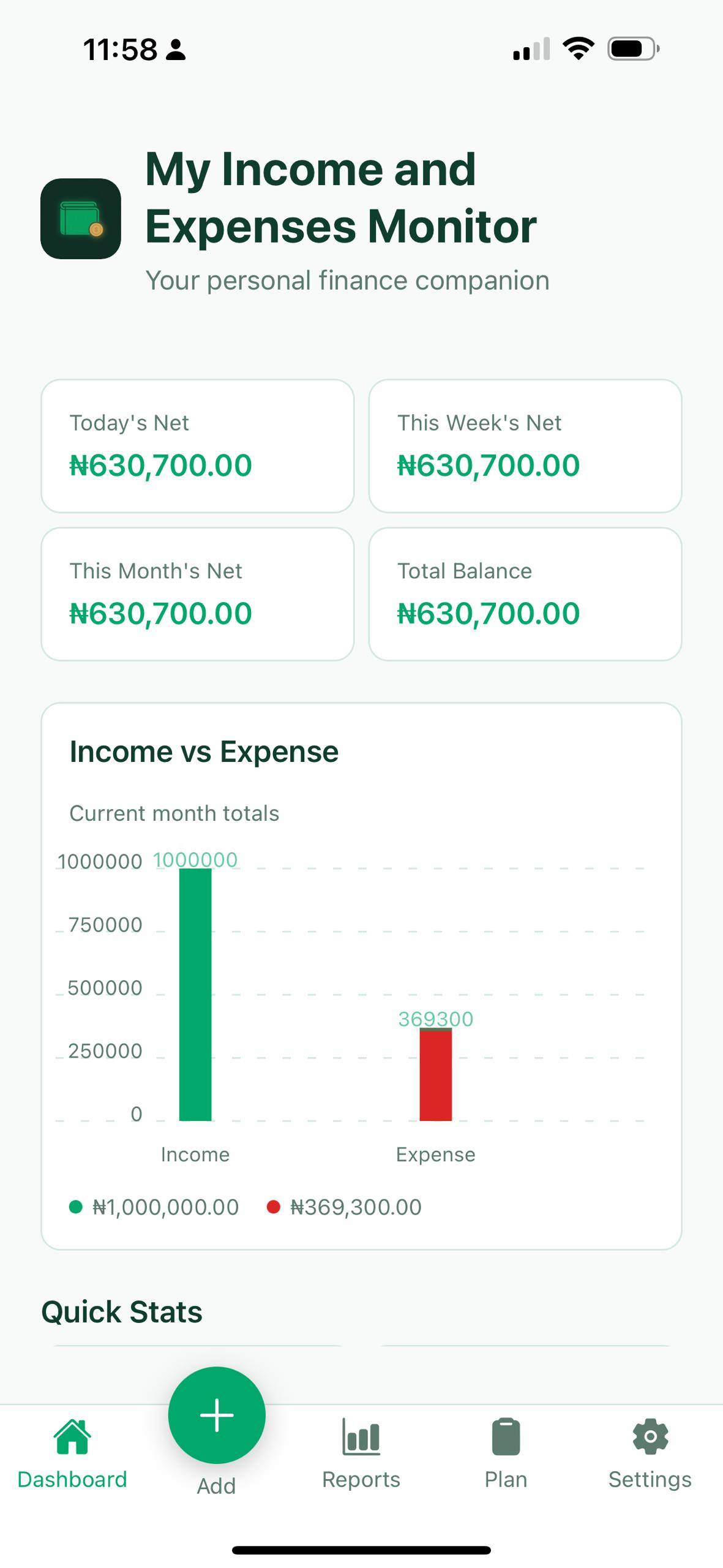
The first screen gives you a clear snapshot of your money.
- Balances, charts, recent activity, and quick insights
- Spending patterns and month-over-month context
- Budget progress and useful reminders at a glance
Transactions
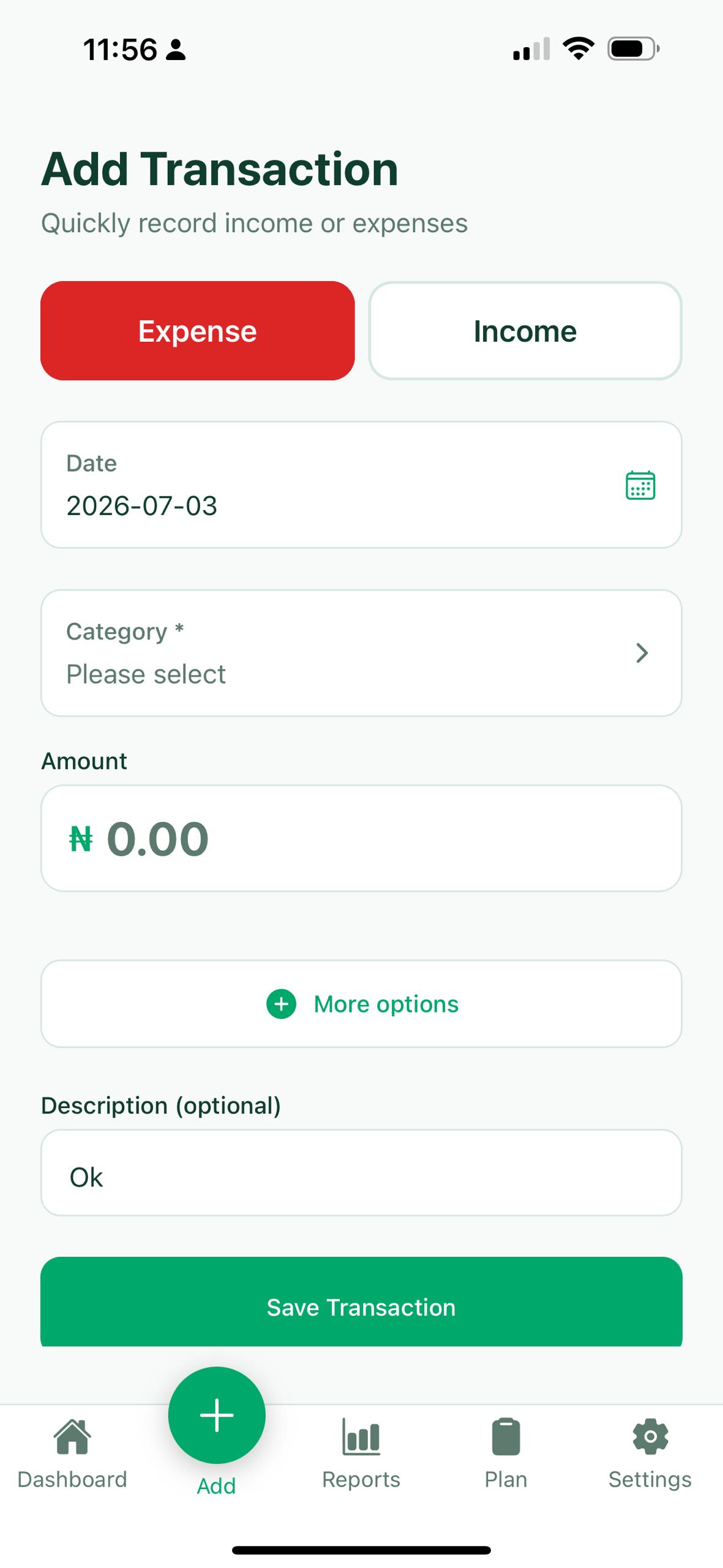
Capture income, expenses, and transfers without friction.
- Fast entry with date, category, account, notes, and currency
- Works for simple personal tracking and more detailed setups
- Editing and search stay quick even as your records grow
Plan
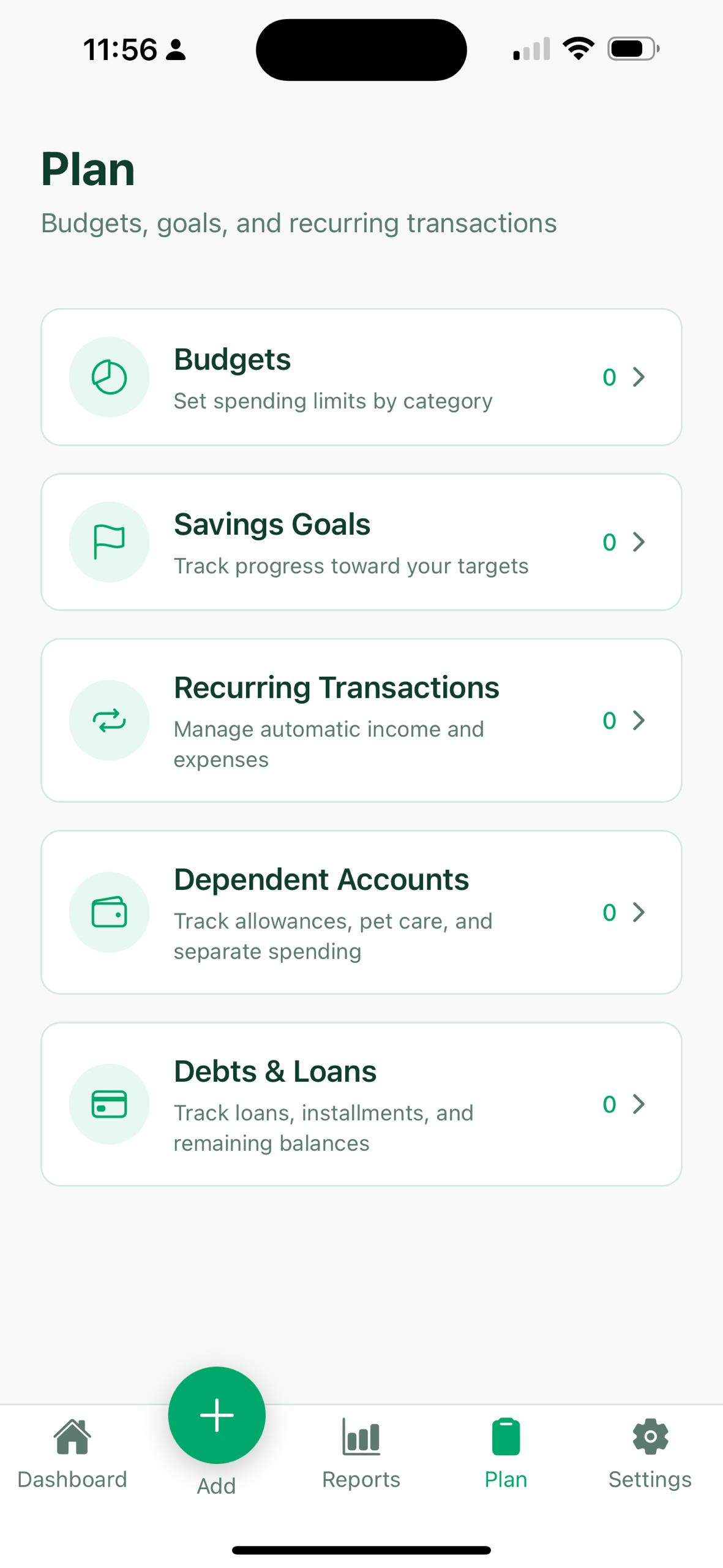
Budgets, goals, recurring items, debts, and dependent accounts live together.
- Free keeps the core planning tools useful
- Pro expands capacity for unlimited planning
- Recurring processing can be automatic for faster upkeep
Reports
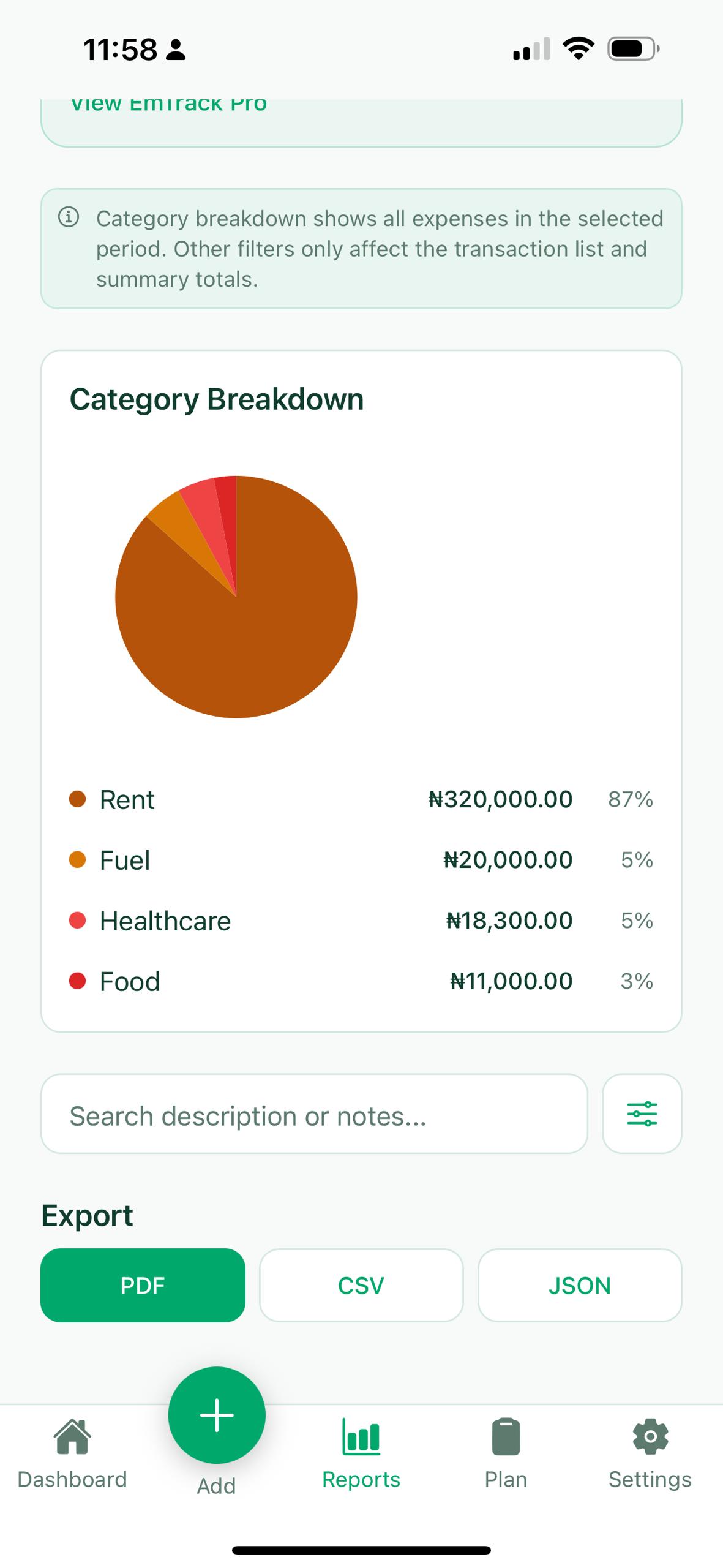
Understand where money went and keep a record you can export.
- Period summaries and category breakdowns
- Search, charts, and current-period reporting
- PDF, CSV, JSON export, and JSON backup/restore remain free
Settings and data
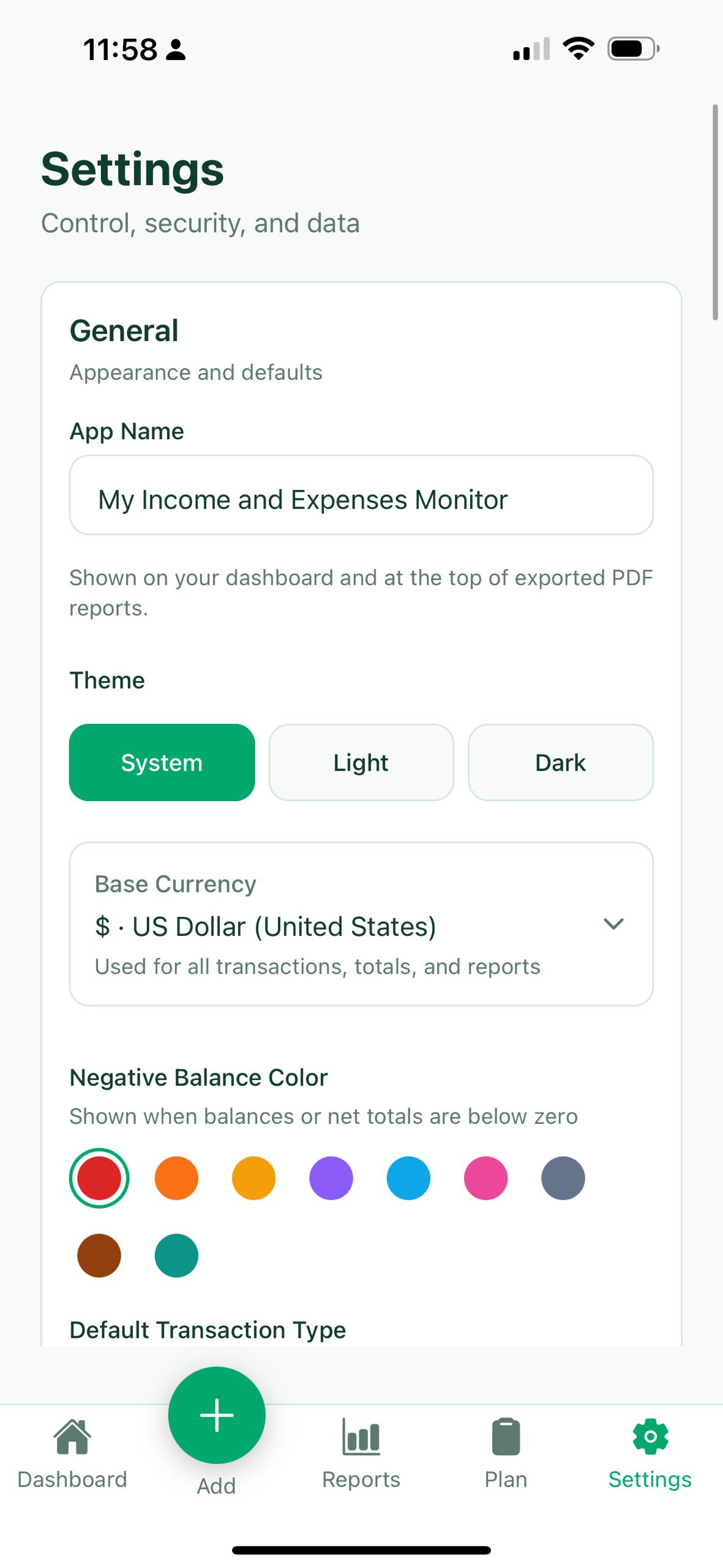
Control your app identity, backups, exports, and privacy from one clean settings area.
- Set the in-app name shown on your dashboard and exported PDF reports
- Back up JSON or database files and export your data when needed
- Keep the experience private with local controls and on-device storage
Backup and restore
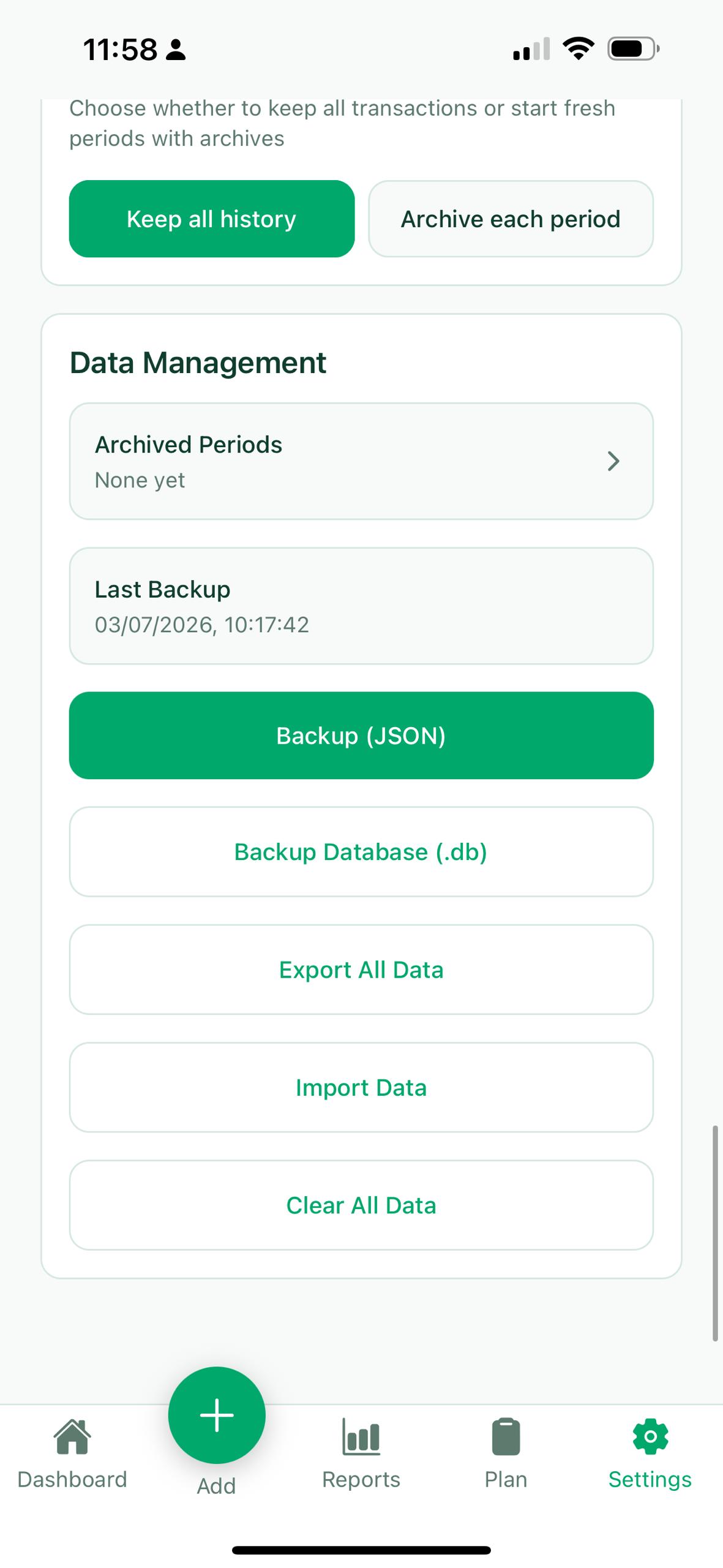
Manage archived periods, exports, imports, and backups without leaving the app.
- Back up JSON files for easy restore later
- Create database backups when you need deeper control
- Import or clear data directly from the settings flow